
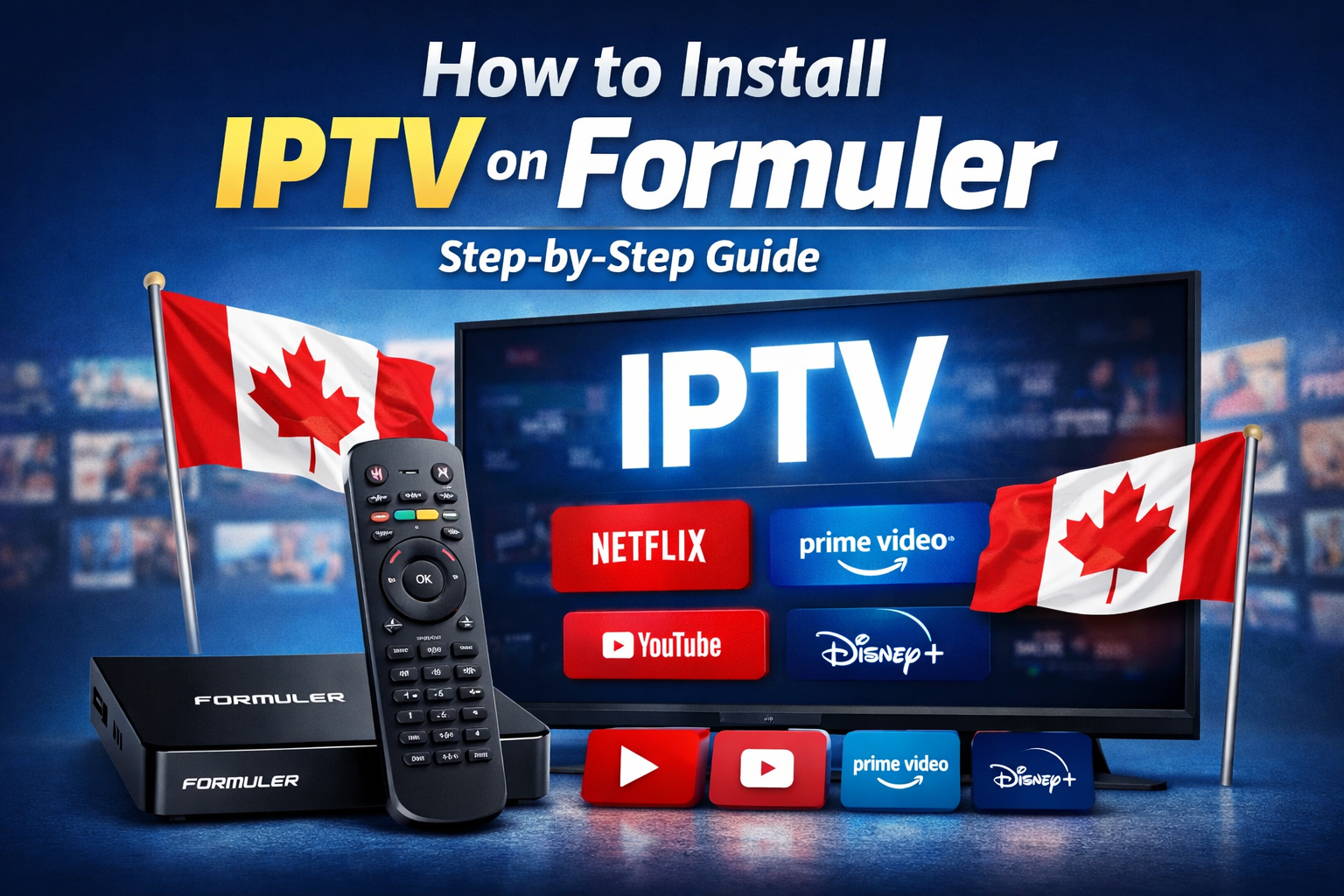
traditional cable services. With better flexibility, international channels, and on-demand content, IPTV offers a modern entertainment experience, especially for users looking for reliable iptv canada services. If you own a Formuler device, you are already using one of the best platforms for IPTV streaming. In this complete guide, you will learn How to Install IPTV on Formuler quickly and correctly, even if you are a beginner.
Formuler devices are designed specifically for high-performance streaming, making them ideal for IPTV services. By following this guide carefully, you can set up your subscription and start watching your favorite channels without technical complications.
📊
Why Choose Formuler for IPTV Streaming?
Before explaining How to Install IPTV on Formuler, it is important to understand why this device is highly recommended for streaming users, especially those subscribed to best iptv canada services.
Formuler devices offer:
- A stable Android-based operating system
- Excellent compatibility with streaming platforms
- Built-in MYTVOnline application
- Fast channel switching
- Strong 4K streaming support
- Regular firmware updates
These features ensure smooth and reliable performance, which is essential for uninterrupted viewing and long streaming sessions.
rupted streaming.
What You Need Before You Begin
To successfully complete How to Install IPTV on Formuler, make sure you have the following:
- A Formuler device (Z8, Z10, Z11, or newer)
- A stable internet connection (minimum 15 Mbps recommended)
- An active IPTV subscription
- Portal URL or M3U playlist link
- Xtream Codes login details (if provided)
- Ethernet cable (recommended for better stability)
Preparing these elements in advance will make the installation process simple and efficient.
How to Install IPTV on Formuler Using MYTVOnline (Recommended Method)
The easiest and most reliable way to understand How to Install IPTV on Formuler is by using the built-in MYTVOnline app. This application is specifically designed for Formuler devices and offers the best compatibility.
Step 1: Connect Your Formuler Device
- Connect your Formuler box to your TV using an HDMI cable.
- Connect the device to your router using an Ethernet cable.
- Turn on the device and wait for it to fully load.
Using a wired connection ensures better streaming stability.
Step 2: Open the MYTVOnline App
From the main menu:
- Launch the MYTVOnline application.
- Select “Add Portal” if it is your first time setting it up.
This is where you will enter your IPTV subscription details.
Step 3: Enter Portal Information
To continue with How to Install IPTV on Formuler, enter the following details:
- Portal Name: Choose any name (for example, My IPTV).
- Portal URL: Enter the portal link provided by your IPTV provider.
Double-check the URL to avoid typing errors. Even a small mistake can prevent the connection.
After entering the details, click “Connect.”
Step 4: Wait for Channel Loading
The device will now connect to the IPTV server. If the information is correct, channels will load automatically.
You can now browse:
- Live TV
- Movies
- Series
- Catch-up content (if included in your subscription)
At this point, you have successfully completed How to Install IPTV on Formuler using the portal method.
Alternative Method: Using M3U Playlist
Some providers offer an M3U playlist instead of a portal URL. In this case, you can still follow the process of How to Install IPTV on Formuler using playlist mode.
Steps:
- Open MYTVOnline.
- Select “Playlist Mode.”
- Enter the M3U URL provided by your IPTV provider.
- Save the settings.
- Restart the application.
The playlist should load automatically if the link is valid.
Common Problems During Installation
Even when following the correct steps for How to Install IPTV on Formuler, some users may encounter issues.
1. Portal Not Connecting
Possible solutions:
- Check your internet connection.
- Restart your router.
- Verify the portal URL.
- Confirm your subscription is active.
2. Channels Not Loading
If channels do not appear:
- Re-enter the portal information carefully.
- Restart the device.
- Contact your IPTV provider for confirmation.
3. Buffering Issues
Buffering is usually caused by:
- Slow internet speed
- Wi-Fi instability
- ISP throttling
Switching to an Ethernet connection often resolves this problem.
Tips to Improve IPTV Performance on Formuler
After completing How to Install IPTV on Formuler, you can optimize performance by following these recommendations:
- Use a wired Ethernet connection instead of Wi-Fi.
- Restart your device once a week.
- Keep your firmware updated.
- Avoid running multiple apps in the background.
- Clear cache if performance slows down.
These small adjustments can significantly improve streaming quality.
Security and Privacy Considerations
While learning How to Install IPTV on Formuler, it is also important to consider online security.
- Use a reliable VPN service for privacy protection.
- Avoid sharing your subscription credentials.
- Choose trusted IPTV providers.
- Keep your device software updated.
Protecting your network ensures a safer streaming experience.
Frequently Asked Questions
Is It Difficult to Learn How to Install IPTV on Formuler?
No, the setup process is simple and usually takes less than 10 minutes if you have the correct subscription details.
Which Formuler Models Support IPTV?
Most modern Formuler devices support IPTV, including Z8, Z10, and Z11 models.
Can I Change My IPTV Provider Later?
Yes, you can delete the existing portal and add a new one anytime without resetting your device.
Final Thoughts
Understanding How to Install IPTV on Formuler allows you to unlock the full potential of your streaming device. The installation process is straightforward: connect your device, open MYTVOnline, enter your portal details, and start streaming.
Formuler devices are built for stability, speed, and high-quality playback, making them an excellent choice for IPTV users. By carefully following this guide, you can enjoy smooth live TV streaming, on-demand content, and international channels without interruption.
Once properly configured, your Formuler device becomes a powerful entertainment hub designed for modern digital streaming.