
Introduction
With the rapid growth of IPTV services in Canada, more users are moving away from traditional cable TV in favor of flexible, high-quality online streaming solutions. Perfect Player IPTV has become one of the most trusted IPTV players for users who want a smooth, customizable, and stable TV experience.
Perfect Player IPTV is not an IPTV service itself, but a professional IPTV player that allows users to stream live TV, sports, movies, series, and video-on-demand content using their own IPTV subscription. For Canadian users, it delivers a clean interface, strong performance, and excellent compatibility with most IPTV services.
In this complete guide, you will discover everything you need to know about Perfect Player IPTV in Canada, including features, installation methods, setup steps, supported formats, troubleshooting solutions, and best practices for long-term IPTV stability.
What Is Perfect Player IPTV?
Unlike IPTV providers, Perfect Player IPTV does not offer channels or content. Instead, it acts as a media player that organizes IPTV streams into a professional TV-style interface, giving IPTV Canada users full control over how content is displayed.
Why Perfect Player IPTV Is Popular in Canada
Perfect Player IPTV is especially popular among Canadian IPTV users because it offers:
- Smooth performance on Android TV
- Clean and professional interface
- Advanced EPG (Electronic Program Guide) support
- Wide IPTV format compatibility
- Excellent customization options
Canadian users rely heavily on IPTV for international channels, sports, and premium content, making Perfect Player IPTV an ideal solution when paired with a reliable IPTV provider.
Key Features of Perfect Player IPTV
Clean TV-Style Interface
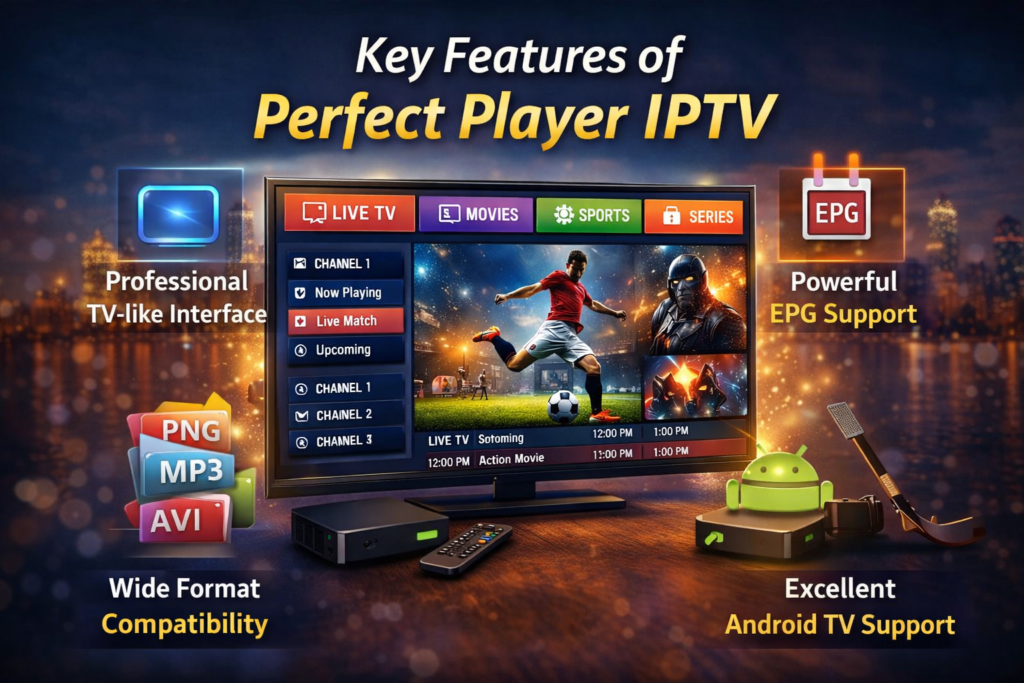
Perfect Player IPTV is designed specifically for large screens. Channels are displayed clearly, making navigation simple using a remote control for users looking for the best IPTV Canada experience.
IPTV Playlist Support
Perfect Player supports multiple formats:
- M3U playlists
- M3U8 playlists
- Xtream Codes API
This ensures compatibility with almost all IPTV services available in Canada.
Advanced EPG Support
With XMLTV EPG integration, users can:
- View program schedules
- See show descriptions
- Navigate channels more easily
Multiple Playlist Management
Perfect Player IPTV allows you to add and manage more than one playlist, ideal for users with multiple IPTV subscriptions.
Decoder Options
Hardware Decoder
Best for modern Android TV devices and smooth playback.
Software Decoder
Recommended if you experience black screens or codec-related issues.
Customization Settings
Users can customize:
- Channel grouping
- Logo display
- Aspect ratio
- Buffer size
- Decoder preferences
Compatible Devices for Perfect Player IPTV
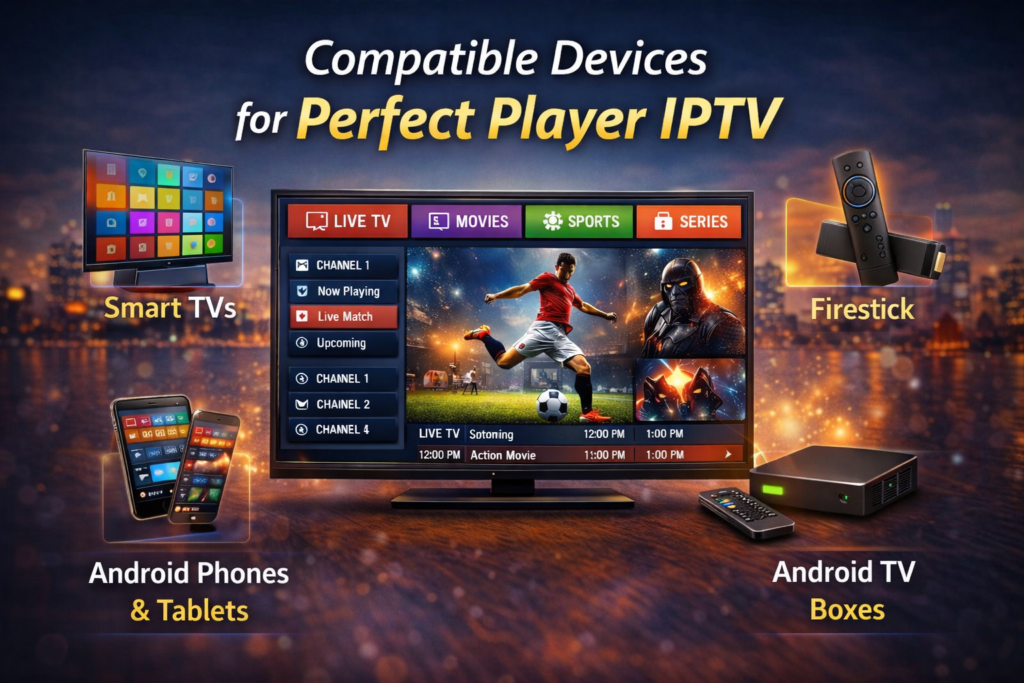
Perfect Player IPTV works smoothly on:
- Android TV (Sony, TCL, Hisense, etc.)
- Android TV boxes
- Nvidia Shield
- Chromecast with Google TV
- Android smartphones and tablets
- Fire TV devices (via sideloading)
How to Install Perfect Player IPTV
Method 1: Install from Google Play Store
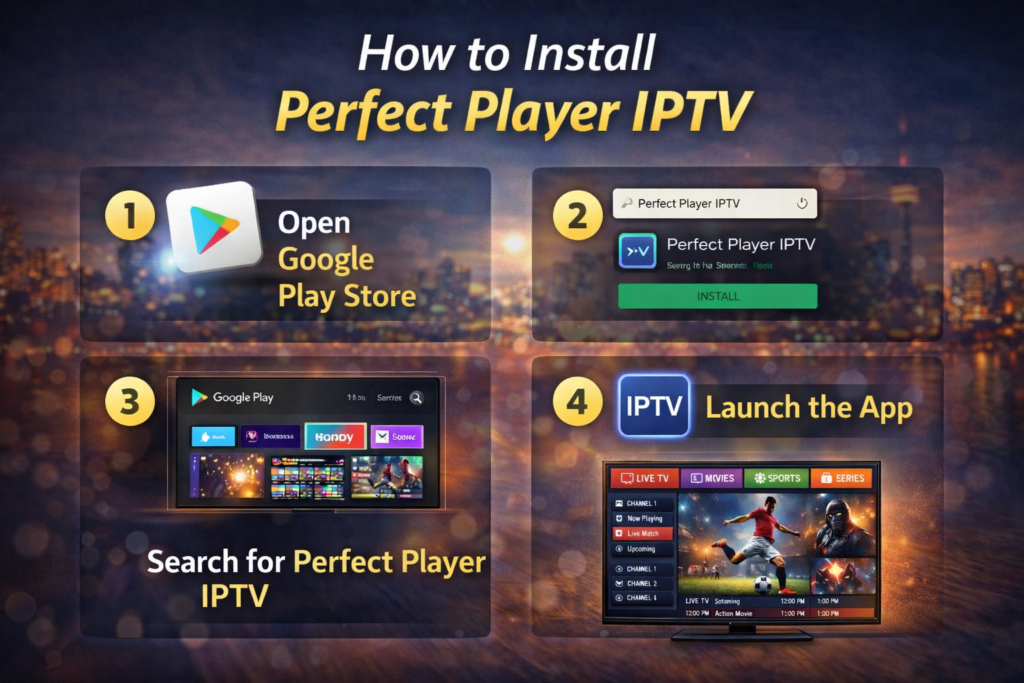
Step 1: Open Google Play Store
From the Android TV home screen, open Google Play Store.
Step 2: Search for the App
Type Perfect Player in the search bar.
Step 3: Install the App
Click Install and wait for the process to complete.
Step 4: Launch the App
Open the player and accept the required permissions.
Method 2: Install via APK (Sideload)
Step 1: Enable Unknown Sources
Go to Settings → Security → Unknown Sources and enable it.
Step 2: Install Downloader App
Download Downloader from Google Play Store.
Step 3: Download the APK File
Enter a trusted APK source link provided by the official developer.
Step 4: Install and Open the App
Install the APK and launch the player.
How to Set Up the Player
Add IPTV Playlist
Go to Settings → General → Playlist and choose:
- M3U Playlist URL
- Xtream Codes API
Enter your subscription details carefully.
Add EPG (Recommended)
Go to Settings → EPG and add your XMLTV EPG link for program scheduling.
Choose Decoder Settings
- Use Hardware Decoder for newer devices
- Switch to Software Decoder if playback issues occur
Restart the app after setup.
Recommended Internet Speed for IPTV Streaming
SD Streaming
5 Mbps or higher
HD Streaming
10–15 Mbps
Full HD / 4K Streaming
25 Mbps or more
A stable connection is more important than speed alone. Ethernet is highly recommended.
Common Playback Problems and Solutions
Buffering Issues
Causes
- Weak Wi-Fi signal
- ISP throttling
- Server overload
Fixes
- Use Ethernet connection
- Restart router and device
- Use a premium VPN if needed
Channels Not Loading
Causes
- Expired subscription
- Incorrect playlist URL
- Server maintenance
Fixes
- Reload the playlist
- Verify login details
- Contact your service provider
Black Screen or No Audio
Fixes
- Switch decoder mode
- Try another channel
- Restart the app
Tips for Best Streaming Performance
- Keep the app updated
- Clear cache occasionally
- Restart your device weekly
- Use a reliable IPTV service
- Avoid peak streaming hours
Is This IPTV Player Legal?
Perfect Player IPTV is completely legal, as it functions only as a media player. The legality of streamed content depends on whether the service provider holds the proper broadcasting rights. To stay safe, always choose reputable services and avoid unlicensed or suspicious providers.
Advantages of Using This IPTV Player
- Professional TV-style interface
- Strong EPG support
- Wide format compatibility
- Excellent performance on Android TV
- Ideal for live TV and video on demand
Final Thoughts
Perfect Player IPTV remains a strong choice for users who want a stable, customizable, and professional streaming experience. When combined with a high-quality IPTV subscription and a reliable internet connection, it delivers smooth access to live TV, sports, movies, and series across Android TV and other supported devices.