
Internet Protocol Television has transformed the way people watch television. Instead of relying on traditional cable or satellite connections, viewers can now stream live channels and on-demand content using an internet connection. One of the most discussed systems in the IPTV world is Xtream Codes. If you are new to IPTV or trying to understand how login systems work, this Xtream Codes Explained guide will help clarify everything in simple terms.
What Is Xtream Codes?
To begin this Xtream Codes Explained tutorial, it’s important to understand the origin of the system. Xtream Codes was originally developed as a management platform for IPTV providers. It allowed service owners to organize channels, manage users, monitor activity, and provide structured access to their content. Over time, the name became widely associated with a login method used in many IPTV applications.
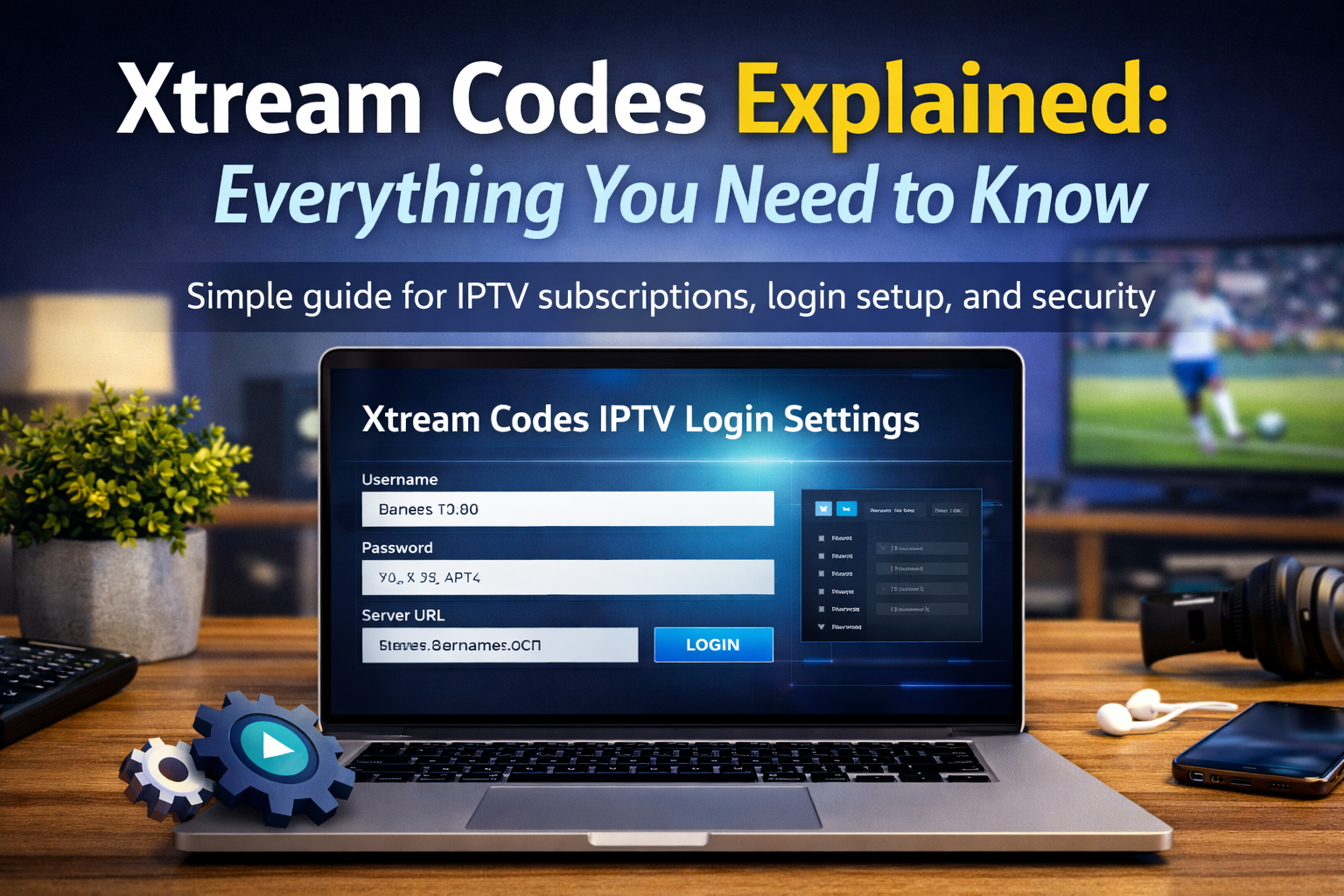
When people search for Xtream Codes Explained, they are usually trying to understand how this system connects their IPTV player to their provider’s servers. Instead of uploading a long M3U playlist, users can simply enter server details such as a username, password, and portal URL.
How IPTV Login Systems Work
In this Xtream Codes Explained article, it’s also essential to understand how IPTV works in general. IPTV services deliver television content through internet protocols rather than traditional broadcasting methods. The provider hosts channels on private servers, and users access them using compatible applications.
There are typically three main ways to log in to an IPTV service:
- M3U Playlist URL
- Portal URL (MAC address method)
- Username, password, and server URL (commonly associated with Xtream-based access)
Each method connects the application to the provider’s server, but the username/password method is often considered easier to manage and configure.
Why Many Providers Use This Method
A key point in understanding Xtream Codes Explained is knowing why providers prefer this structure. The main reason many IPTV providers use this system is control and organization. It allows them to:
- Activate or deactivate accounts instantly
- Manage subscription durations
- Monitor active connections
- Control streaming limits
For users, the benefit is simplicity. Instead of dealing with long playlist links, they just enter three pieces of information into their app.
This structure also helps providers offering services in regions like iptv canada, where customers expect stable performance and organized channel categories.
How to Use Xtream Login in an IPTV App
Another important part of Xtream Codes Explained is the actual setup process. Most IPTV players available today support this login format. The setup process usually looks like this:
- Download a compatible IPTV player on your device.
- Open the application and select “Login with Xtream Codes API” or similar wording.
- Enter your username, password, and server URL.
- Click login and wait for channels to load.
The app will automatically download channel lists, video-on-demand content, and electronic program guide data from the provider’s server.
The entire process typically takes less than a few minutes if your internet connection is stable.
Benefits Compared to M3U Playlists
When discussing Xtream Codes Explained, many users compare it to M3U playlists. While M3U playlists are still widely used, the structured login system offers some advantages:
- Faster loading of content
- Automatic updates from the server
- Better organization of live TV and movies
- Easier account management
Because of these benefits, many consider providers using structured API login to be more reliable. This is one reason why customers searching for the best iptv canada services often check which login system is supported.
Security and Stability
Security is another essential part of Xtream Codes Explained. Since IPTV relies on online servers, both providers and users must ensure they use secure networks.
Users should:
- Avoid sharing login credentials
- Use strong passwords when possible
- Connect through private and secure internet connections
Some viewers also choose to use a VPN for additional privacy, depending on their region and internet service provider policies.
From a provider perspective, structured login systems make it easier to detect unusual activity and limit unauthorized access.
Choosing the Right IPTV Plan
A complete Xtream Codes Explained guide would not be finished without discussing subscriptions. When selecting a service, users should consider more than just price. Stability, channel variety, and customer support are equally important.
Before purchasing any iptv subscription, it’s recommended to:
- Verify device compatibility
- Check if the provider supports your preferred login method
- Confirm available channels and on-demand libraries
- Test the service if a trial option is available
A good provider will offer clear instructions and responsive support in case login issues occur.
Final Thoughts
To summarize this Xtream Codes Explained article, the system is simply a structured way to connect IPTV applications with provider servers using organized login credentials.
Whether you are new to IPTV or switching providers, understanding Xtream Codes Explained helps you avoid confusion and set up your service quickly. With the right provider, stable internet, and compatible app, streaming live TV and on-demand content becomes simple and convenient.