
Installing IPTV on a tablet is one of the easiest ways to enjoy live TV, movies, sports, and on-demand entertainment wherever you are. Whether you own an Android tablet or an iPad, the setup process is simple and only takes a few minutes. With the right IPTV player and a stable internet connection, your tablet can become a portable entertainment center.
In this guide, you’ll learn exactly how to install IPTV on tablets, which apps work best, how to configure your IPTV account, and how to solve common installation problems.
Why Use IPTV on a Tablet?
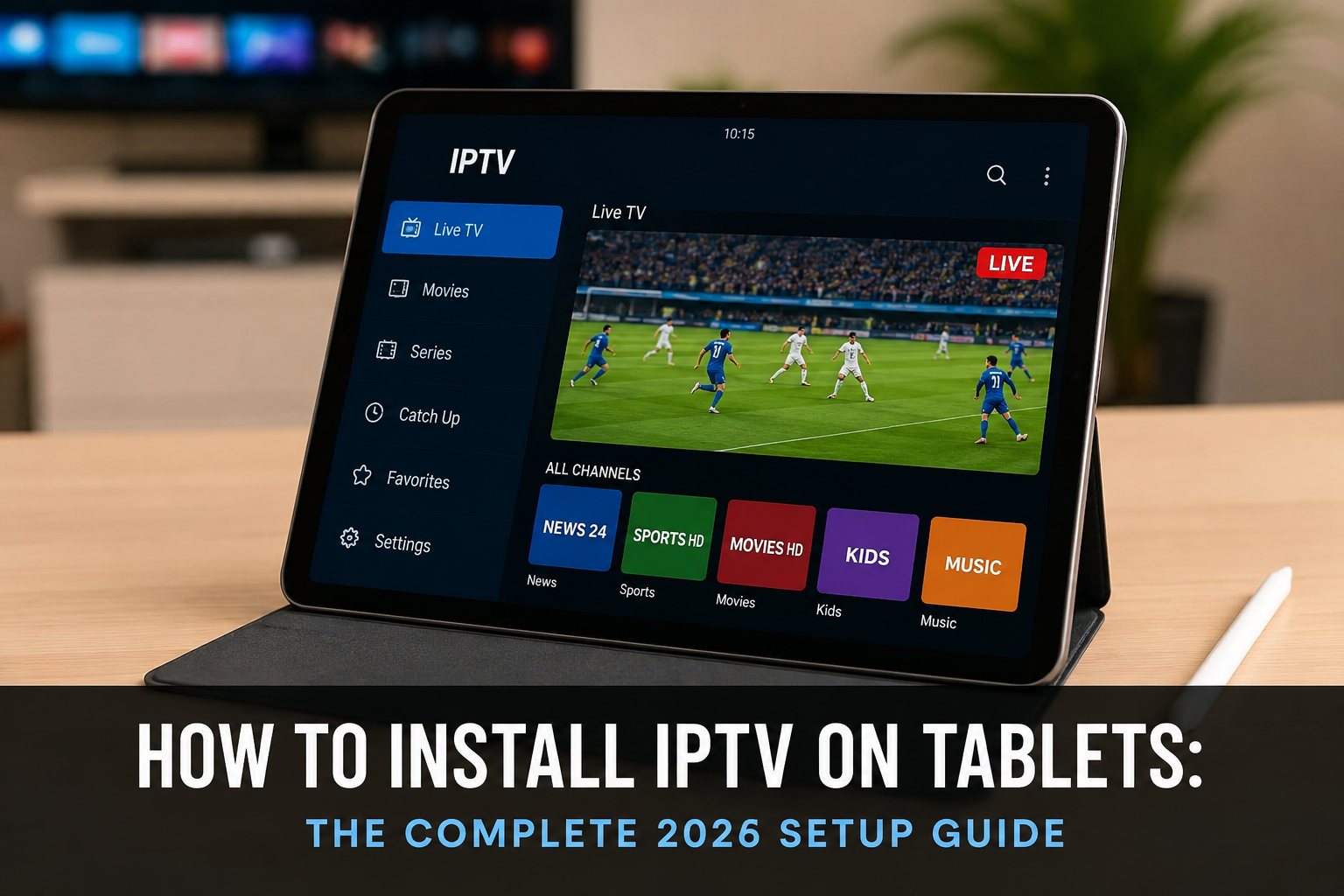
Tablets offer the perfect balance between smartphones and laptops. Their larger screens provide a better viewing experience while remaining portable enough to use anywhere. How to Install IPTV on Tablets is easier than most people think and only takes a few minutes with the right IPTV player and subscription.
Some advantages include:
- Watch live TV anywhere.
- Stream movies and series on demand.
- Easy touchscreen navigation.
- Compatible with Wi-Fi and mobile data.
- Supports Full HD and even 4K streaming on supported devices.
Most IPTV services work smoothly on modern tablets when configured correctly. By following How to Install IPTV on Tablets, you can enjoy a fast, stable, and high-quality streaming experience wherever you go.
What You Need Before Installing IPTV
Before starting the installation, make sure you have the following:
- A stable internet connection (at least 20 Mbps recommended)
- An Android tablet or Apple iPad
- An IPTV player application
- Your IPTV login credentials
- Xtream Codes API or M3U Playlist provided by your IPTV provider
Having everything ready makes the installation process much faster.
How to Install IPTV on Android Tablets
Android tablets support many IPTV applications available directly from the Google Play Store.
Step One: Open Google Play Store
Launch the Google Play Store and search for an IPTV player.
Popular options include:
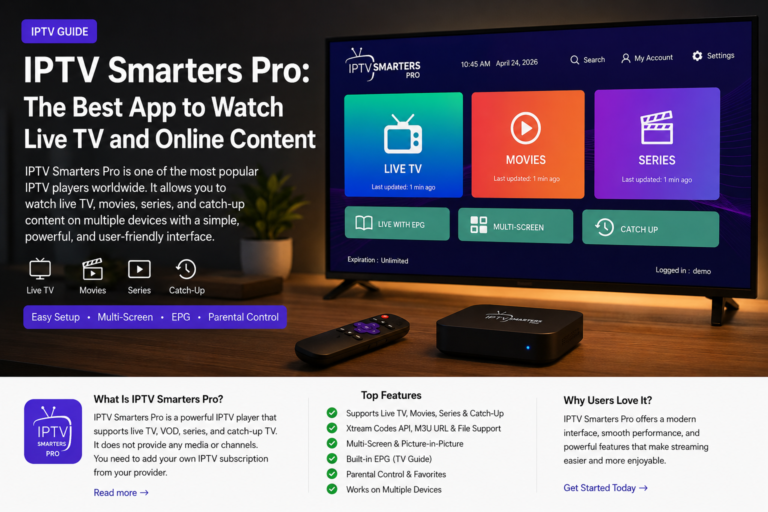
- IPTV Smarters Pro
- TiviMate
- XCIPTV Player
- Televizo
Choose the application that best fits your needs and install it.
Step Two: Open the IPTV Application
Once installed, launch the app. How to Install IPTV on Tablets becomes much easier once you open your IPTV player for the first time.
Most IPTV players ask you to accept the Terms of Service before continuing.
Simply tap Accept. This is an important step in How to Install IPTV on Tablets, allowing you to continue with the setup and start streaming your favorite channels.
Step Three: Add Your IPTV Account
Most providers recommend using Xtream Codes API.
Enter:
- Server URL
- Username
- Password
These details are sent after purchasing your IPTV service.
After entering the information, tap Login.
Step Four: Wait for Synchronization
The application will download:
- Live TV Channels
- Movies
- TV Series
- Electronic Program Guide (EPG)
Depending on your internet speed, this usually takes less than two minutes.
How to Install IPTV on Tablets an iPad
Installing IPTV on an Apple tablet is just as simple.
Download an IPTV Player
Open the App Store and install one of these apps:
- Smarters Player Lite
- IPTVX
- GSE Smart IPTV
Once installed, open the application.
Enter Your IPTV Credentials
Choose Xtream Codes Login or M3U Playlist.
Fill in:
- Username
- Password
- Server URL
Tap Add User.
The app will automatically load your IPTV library.
Choosing the Best IPTV Player for Tablets
Not all IPTV players provide the same experience.
A good IPTV application should offer:
Smooth Navigation
A tablet has a larger screen, so menus should be easy to navigate.
Fast Channel Loading
Quality players reduce buffering and open channels quickly.
EPG Support
Electronic Program Guide allows users to see current and upcoming TV programs.
Multi-Screen Support
Some IPTV apps let you watch multiple channels simultaneously.
Tips for Better Streaming Performance
A few simple adjustments can greatly improve streaming quality.
Use High-Speed Internet
A connection above 20 Mbps is recommended for HD content.
Keep Your Application Updated
Updates improve performance and fix compatibility issues.
Restart Your Device Occasionally
Restarting clears temporary files and improves system performance.
Close Background Applications
Running too many apps simultaneously may slow down IPTV streaming.
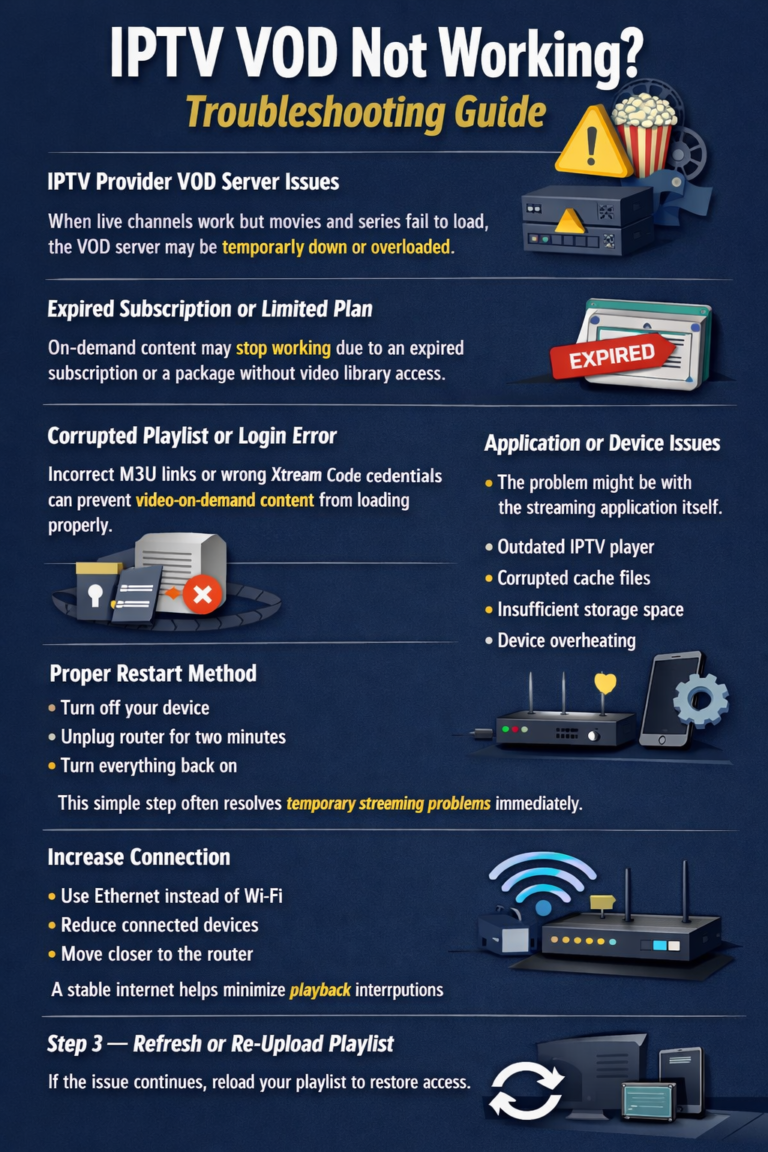
Common Installation Problems
Sometimes users experience issues during setup.
Here are the most common ones.
Login Failed
Double-check:
- Username
- Password
- Server URL
Most login errors happen because of typing mistakes.
Channels Not Loading
Possible reasons include:
- Slow internet connection
- IPTV server maintenance
- Expired subscription
Restart the application and try again.
Buffering
Buffering can usually be reduced by:
- Using Wi-Fi instead of mobile data
- Closing background applications
- Restarting your router
Black Screen
If audio works but no video appears:
- Restart the IPTV player.
- Update the application.
- Try another channel.
Security Tips When Using IPTV
Protecting your device is always important.
Follow these recommendations:
- Download IPTV applications only from trusted sources.
- Keep your tablet updated.
- Use strong passwords.
- Avoid installing unknown APK files from suspicious websites.
These simple precautions help keep your streaming experience safe.
Maintaining Your IPTV Application
To ensure smooth performance over time:
- Clear the app cache regularly.
- Update the IPTV player whenever a new version becomes available.
- Remove unused playlists.
- Keep enough free storage space on your tablet.
Routine maintenance helps avoid crashes and buffering.
Is IPTV Suitable for Tablets?
Absolutely.
Tablets provide one of the best IPTV experiences because they combine portability with a large display. Whether you’re traveling, relaxing at home, or commuting, IPTV lets you enjoy your favorite entertainment almost anywhere.
Many users prefer tablets over smartphones because the larger screen makes watching sports, movies, and TV shows much more comfortable.
If you’re looking for iptv canada, make sure to choose a reliable provider with stable servers and responsive customer support. A quality service will deliver a smoother experience than cheaper alternatives.
When selecting a provider, many people compare features before deciding on the best iptv canada option for their needs. It’s worth checking channel availability, video quality, and device compatibility before making a decision.
After purchasing your iptv subscrption, save your login credentials in a secure place so you can quickly set up the service again if you change devices or reinstall your IPTV application.
Conclusion
Learning How to Install IPTV on Tablets is simple, even for beginners. With the right IPTV player, valid login credentials, and a reliable internet connection, you can start streaming live TV, movies, sports, and series within minutes.
Whether you use an Android tablet or an iPad, the installation process is nearly identical. Choose a trusted IPTV application, enter your provider’s details, and keep your software updated for the best experience.
By following the steps and troubleshooting tips in this guide, you’ll enjoy smooth, high-quality streaming on your tablet wherever you go.