
Streaming television over the internet has become the preferred choice for millions of viewers. However, one of the most frustrating problems users experience is IPTV Freezing Issues. Nothing interrupts a great movie, live sports event, or TV series more than constant buffering, screen freezing, or playback interruptions.
The good news is that most freezing problems have simple solutions. Whether the issue comes from your internet connection, streaming device, network settings, or IPTV service, understanding the root cause is the first step toward fixing it.
This guide explains why IPTV Freezing Issues happen, how to solve them, and what you can do to enjoy a stable streaming experience throughout 2026. If you’re using iptv canada, these tips can also help improve streaming performance during peak viewing hours.
What Are IPTV Freezing Issues?
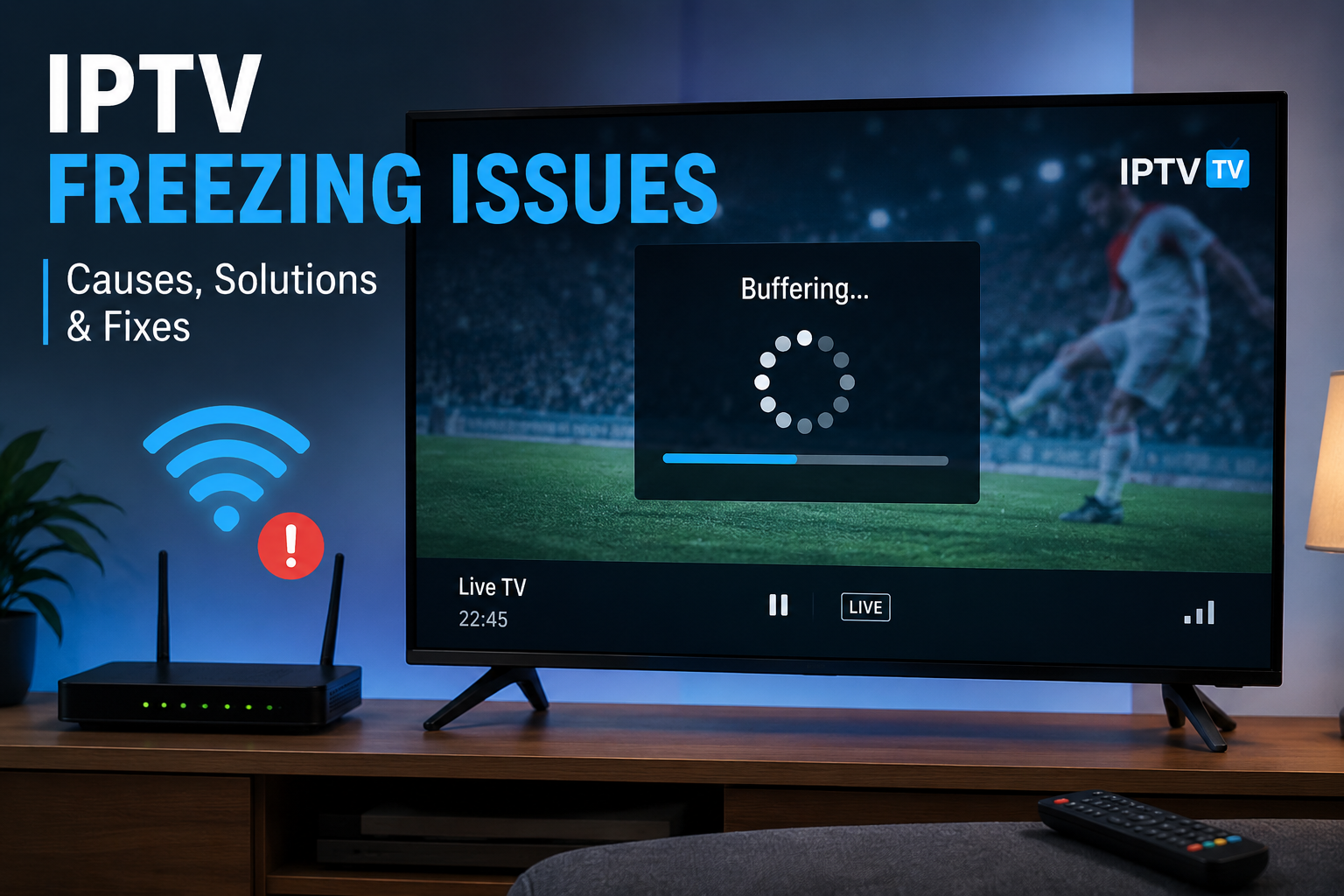
IPTV Freezing Issues refer to interruptions that stop or slow video playback while watching television through an IPTV service. Instead of smooth streaming, the video may:
- Pause unexpectedly
- Buffer for several seconds
- Freeze while audio continues
- Lose picture quality
- Stop completely before restarting
These interruptions can happen occasionally or repeatedly depending on several technical factors.
Understanding the cause makes troubleshooting much easier.
Why Do IPTV Freezing Issues Happen?
There isn’t a single reason behind IPTV Freezing Issues. In many cases, several small problems combine to affect streaming quality.
Some of the most common causes include:
Slow Internet Connection
Streaming IPTV requires a stable internet connection. If your connection speed drops below the recommended level, the player cannot receive video data fast enough.
General recommendations include:
- 15 Mbps for HD channels
- 30 Mbps or more for Full HD
- 50 Mbps or higher for 4K content
A speed test can quickly confirm whether your internet is capable of handling IPTV streaming.
Network Congestion
Many households have multiple devices connected to the same Wi-Fi network.
Examples include:
- Smartphones
- Tablets
- Gaming consoles
- Smart TVs
- Security cameras
- Computers
When several devices use bandwidth simultaneously, IPTV streams may experience freezing.
Weak Wi-Fi Signal
Wireless connections are convenient but can become unstable due to:
- Thick walls
- Long distances
- Electrical interference
- Older routers
Moving closer to the router or using an Ethernet cable often improves streaming stability significantly.
IPTV Server Load
Sometimes the issue is not on your side.
During major sporting events or popular live broadcasts, IPTV servers may receive a large number of simultaneous users.
Heavy server traffic can temporarily create IPTV Freezing Issues, even with a fast internet connection.
How Internet Speed Affects IPTV Streaming
Internet speed is one of the biggest factors influencing streaming quality.
However, speed alone isn’t enough.
Your connection should also have:
- Low latency
- Stable download speed
- Minimal packet loss
- Reliable upload performance
Even high-speed internet can experience freezing if the connection constantly fluctuates.
Testing your connection at different times of the day helps identify peak-hour slowdowns.
Device Performance Matters
Older streaming devices often struggle with modern IPTV applications.
Signs your device may be causing problems include:
- Slow menu navigation
- Delayed channel switching
- App crashes
- High device temperature
- Limited storage space
Restarting the device regularly and removing unused applications can improve overall performance.
Keeping enough free storage also helps IPTV apps operate more efficiently.
Router Problems That Cause IPTV Freezing Issues
Many users overlook their router when troubleshooting.
A router that has been running continuously for weeks may begin to slow down.
Simple maintenance includes:
- Restarting the router once every few days
- Updating router firmware
- Using the 5 GHz Wi-Fi band when available
- Positioning the router in an open area
- Avoiding physical obstructions
These small adjustments often reduce IPTV Freezing Issues without requiring additional equipment.
IPTV Application Settings
The IPTV application itself can affect playback quality.
Incorrect settings may increase buffering or freezing.
Consider checking:
Video Buffer Size
Some IPTV players allow users to increase the playback buffer.
A larger buffer gives the application more time to download video before playback begins, helping reduce interruptions.
Hardware Decoding
Modern devices support hardware acceleration.
Enabling hardware decoding reduces processor usage and often improves smooth playback.
If playback becomes unstable after enabling it, switching back to software decoding may solve the issue depending on your device.
Keep Your App Updated
Developers regularly release updates that improve:
- Stability
- Compatibility
- Security
- Performance
Running outdated software can contribute to IPTV Freezing Issues, especially after operating system updates.
Reduce Background Activity
Many devices continue downloading updates or syncing files while IPTV is playing.
Common background activities include:
- Cloud backups
- Software updates
- Large downloads
- Automatic photo uploads
- Game updates
Pausing these activities frees up bandwidth for smoother streaming.
Choose the Right Streaming Quality
Higher resolution requires more bandwidth.
If your connection occasionally becomes unstable, lowering the stream quality can produce a much smoother viewing experience.
Instead of forcing 4K playback, switching temporarily to Full HD or HD may completely eliminate freezing.
Does Your IPTV Provider Matter?
Absolutely.
Even with excellent internet and modern hardware, the quality of the IPTV service plays an important role.
A reliable iptv subscription typically offers better infrastructure, optimized streaming servers, and more consistent performance than lower-quality services.
In the next section, we’ll cover advanced troubleshooting techniques, DNS optimization, VPN considerations, cache management, and additional expert tips to permanently reduce IPTV freezing and improve long-term streaming reliability.
Advanced Solutions for IPTV Freezing Issues
If you’ve already checked your internet speed, router, and streaming device but still experience IPTV Freezing Issues, it may be time to try more advanced troubleshooting methods. These techniques can improve connection stability and reduce interruptions during live TV and on-demand streaming.
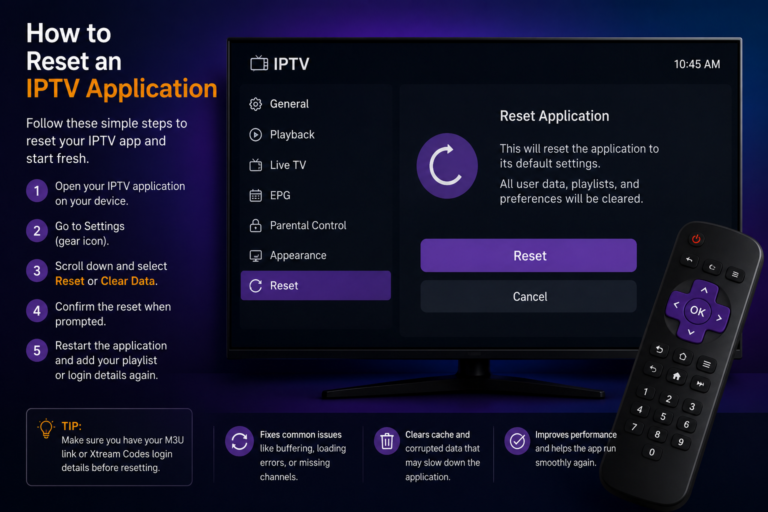
Clear the IPTV App Cache
Most IPTV applications store temporary files, known as cache, to load channels more quickly. Over time, these files can become outdated or corrupted, leading to playback problems.
Clearing the cache can help by:
- Removing damaged temporary files
- Improving app responsiveness
- Reducing loading errors
- Fixing occasional playback glitches
After clearing the cache, restart the application and test your favorite channels again.
Restart Your Streaming Device Regularly
Many users leave their streaming devices running for days or even weeks without restarting them. Over time, background processes consume memory and system resources.
A simple restart can:
- Refresh system memory
- Close unnecessary background apps
- Improve application performance
- Restore network connections
Making this a regular habit can significantly reduce IPTV Freezing Issues.
Check DNS Settings
Your Domain Name System (DNS) server helps your device locate streaming servers on the internet.
Sometimes, switching to a faster public DNS can improve connection speed and stability.
Popular public DNS services include:
- Google Public DNS
- Cloudflare DNS
While DNS changes won’t solve every freezing problem, they can reduce connection delays for some users.
Consider Using a VPN Carefully
A VPN can sometimes improve streaming performance if your internet provider limits or slows IPTV traffic.
However, not every VPN delivers the same results.
Choose a VPN that offers:
- High-speed servers
- Low latency
- Stable connections
- Servers located near your region
Testing both with and without a VPN is the easiest way to determine which setup performs better.
Keep Your Operating System Updated
Operating system updates often include:
- Security improvements
- Performance enhancements
- Better hardware compatibility
- Network optimizations
Whether you’re using Android TV, Fire TV, Apple TV, Windows, macOS, or another platform, keeping your system updated helps maintain reliable streaming performance.
Monitor Peak Internet Hours
Internet performance often changes throughout the day.
During evenings and weekends, local networks may become busier because more people are streaming videos, gaming, and browsing online.
If IPTV Freezing Issues mainly occur during these periods, network congestion may be the cause rather than your equipment.
Running speed tests at different times can help identify these patterns.
Improve Your Home Network
A few small improvements can make a noticeable difference.
Consider these best practices:
- Place the router in a central location.
- Avoid placing it inside cabinets.
- Keep it away from large metal objects.
- Reduce interference from other wireless devices.
- Connect your IPTV device with an Ethernet cable whenever possible.
A stable home network provides the foundation for smooth IPTV streaming.
Choose Reliable Equipment
Not all streaming devices deliver the same performance.
Older hardware may struggle with newer video codecs, higher resolutions, and demanding IPTV applications.
When upgrading, look for devices with:
- Fast processors
- Sufficient RAM
- Regular software updates
- Strong Wi-Fi support
- Hardware video decoding
Reliable hardware reduces the likelihood of buffering and freezing.
Prevent IPTV Freezing Issues Before They Start
Preventive maintenance is often more effective than troubleshooting after problems appear.
A simple routine includes:
- Restarting your router weekly.
- Keeping applications updated.
- Removing unused apps.
- Checking available storage.
- Monitoring internet performance.
- Updating device firmware.
These habits help maintain consistent streaming quality over time.
Frequently Asked Questions
Why does IPTV freeze even with fast internet?
A fast connection alone does not guarantee smooth streaming. Wi-Fi interference, router issues, overloaded servers, outdated devices, or application problems can all contribute to IPTV Freezing Issues.
Can Wi-Fi cause IPTV freezing?
Yes. Weak wireless signals are one of the most common causes of interrupted playback. Whenever possible, a wired Ethernet connection provides greater stability.
Should I restart my router?
Yes. Restarting your router regularly clears temporary network problems and refreshes the connection, often improving IPTV performance.
Does the streaming device matter?
Absolutely. Devices with faster processors, more memory, and updated software generally deliver a smoother viewing experience.
Is buffering always caused by the IPTV service?
No. In many situations, freezing is caused by local network conditions, hardware limitations, or internet performance rather than the streaming provider itself.
Final Thoughts
Experiencing IPTV Freezing Issues can be frustrating, but the problem is usually manageable with the right approach. By checking your internet connection, improving your home network, maintaining your streaming device, and keeping applications up to date, you can eliminate many common causes of interrupted playback.
If problems continue after following these recommendations, the quality of your provider may become the deciding factor. Choosing the best iptv canada service with reliable infrastructure, responsive support, and well-maintained servers can greatly improve long-term streaming stability.
Consistent maintenance, dependable equipment, and a high-quality service work together to provide a smoother and more enjoyable IPTV experience throughout 2026.